The Pareto Frontier of Mini PCs
TL;DR - this is a puff piece for my site MiniPCs.zip which is like diskprices.com for MiniPCs and a labor of love, and you should totally check it out. Scroll down for some pretty charts if you’re not convinced.
I love Mini PCs. I’ve collected half a dozen over the last decade, for all sorts of functions. A Chromebox I put Ubuntu on, another that runs TrueNAS & Plex, and most recently, I built a bootleg Steam Machine that now (beautifully) runs SteamOS, connected right to my TV. All of these devices cost less than $300 - and consume barely any power, even less space. And they’re cute! And cheap!
However, if you’re the type to feel decision paralysis when making tech purchases with dozens of options - try searching on for “Mini PC” and you’ll immediately feel a bit woozy:
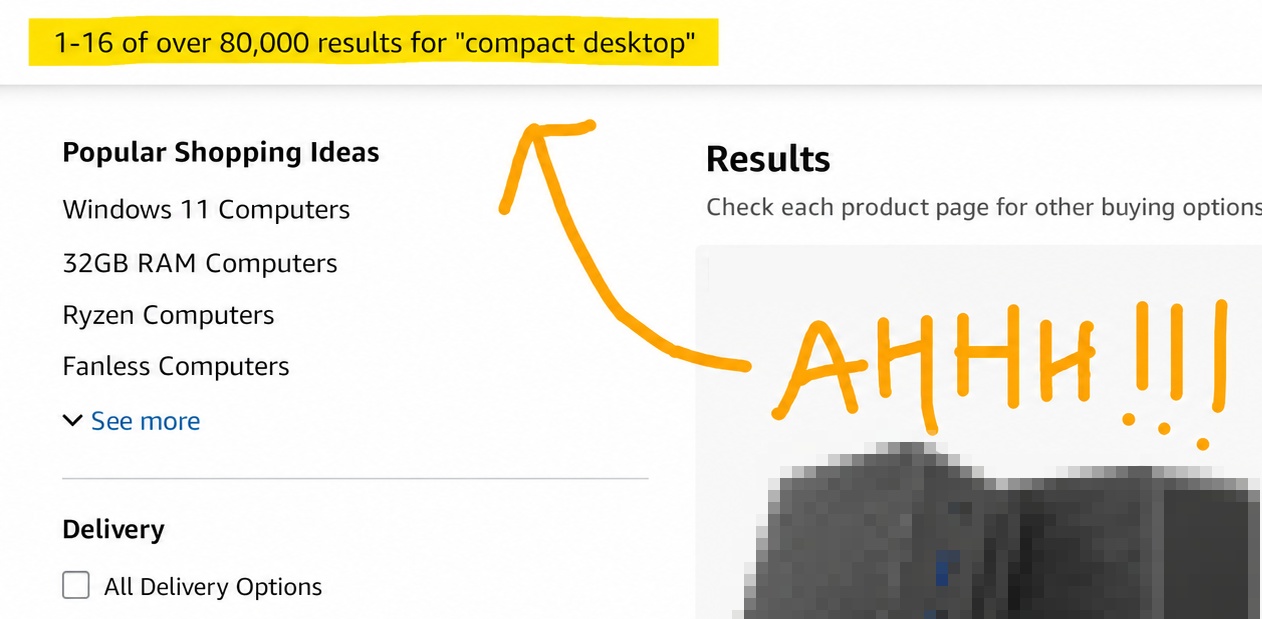
There’s thousands of options - most by random brands you’ve never heard of - each just a pile of hard-to-parse specs. I don’t typically stay up-to-date on processor naming and benchmarks - though many in the MiniPC community (of course there’s a community!) certainly do. This means I have to load up spec sheets and benchmarks if I want to be sure I’m actually getting a good deal.
Hmmm is an Ryzen 3200 better than an Intel 6500? Is an N150 1.5x as good as an N100? What’s the difference between a Ryzen 2400 G and 2400 GE??
You might go in with a set budget of $300 - but how can you be sure you’re getting a good deal when there’s so many to pick from? You essentially have to commit to jumping down the rabbit hole, viewing each entry one-by-one, and looking up the specs to see if it matches your needs.
I instead endeavored to build a tool which parse every entry and organize them by benchmarks. My first approach was strongly inspired by diskprices.com - just a big table of PCs and stats. However, PC performance is much more multidimensional than Price per GB, and the table was difficult to intuitively find good deals. I then decided to plot them out - and here is the result:

On the horizontal axis we have CPU Performance (as measured by CPUMark) and on the vertical axis we have Price. The color, I’ll explain shortly.
There’s a number of interesting things about this result that immediately pops out. Notice the vertical stripe patterns? Those are dozens or hundreds of MiniPCs that share the same processor - but have varying prices. For example - you could purchase a MiniPC with an N100 processor from $270… all the way to $700! The $700 entry has the same RAM, but +1TB of storage (for +$430).
The other thing to notice is the gradual upswing of the price floor as CPU performance increases. This is the Pareto Frontier - particularly the red items. Any red dot means that you CANNOT find better performance for the same price OR a better price for the same performance:

This visualization is useful - but the only hitch is that I care about more than two dimensions - CPU Performance and Price are great - but since I was in the market for an emulator box, Graphics performance was important too. I experimented with a variety of 3D plots, but ultimately found them to be unintuitive - so I settled on using color.
In the above charts you can see we use color to indicate distance to the Pareto Frontier of CPU Performance. That’s a little redundant, since, once you understand the chart, you can eyeball that (mostly any point that is on the underside of the swoop). However - we can plot the Pareto distance for Graphics performance in color - and then the chart becomes really useful:

For instance - if your budget is $100 - $150, and you’re looking for a machine that can do some light gaming - you can immediately cross out some MiniPCs that were Pareto optimal for CPU, because you can tell they don’t have the same optimality for their Graphics benchmarks. The i5-8500T is alright, but you can fork over just $10 more for a Ryzen 2400 G - which will perform significantly better in gaming tasks.
Anyway - the tool is available at MiniPCs.zip - you can adjust the axis and colors to show CPU, GPU, Storage and RAM information. It’s not perfect - but it really helps whittle down the thousands of overpriced options (or rather, exposes the best underpriced options).
I used it to find a great deal on a renewed box with a Ryzen 7640HS - which is running SteamOS beautifully, tucked away nicely in the TV console stand.